


Infrared Night Vision Security In 2026: How To Use IR Modes Without Glare Or Guesswork


What "Infrared Night Vision Security" Really Means in 2026
Infrared Night Vision Security used to be described as a simple promise: "see in the dark." In 2026, that definition is not enough. Real security work happens in messy lighting, not in a controlled demo room. You may move from a parking lot with street lamps into a dark alley, then pass reflective signs, glass doors, or wet pavement that throws light back at you. The scene can contain bright hotspots and deep shadows at the same time.

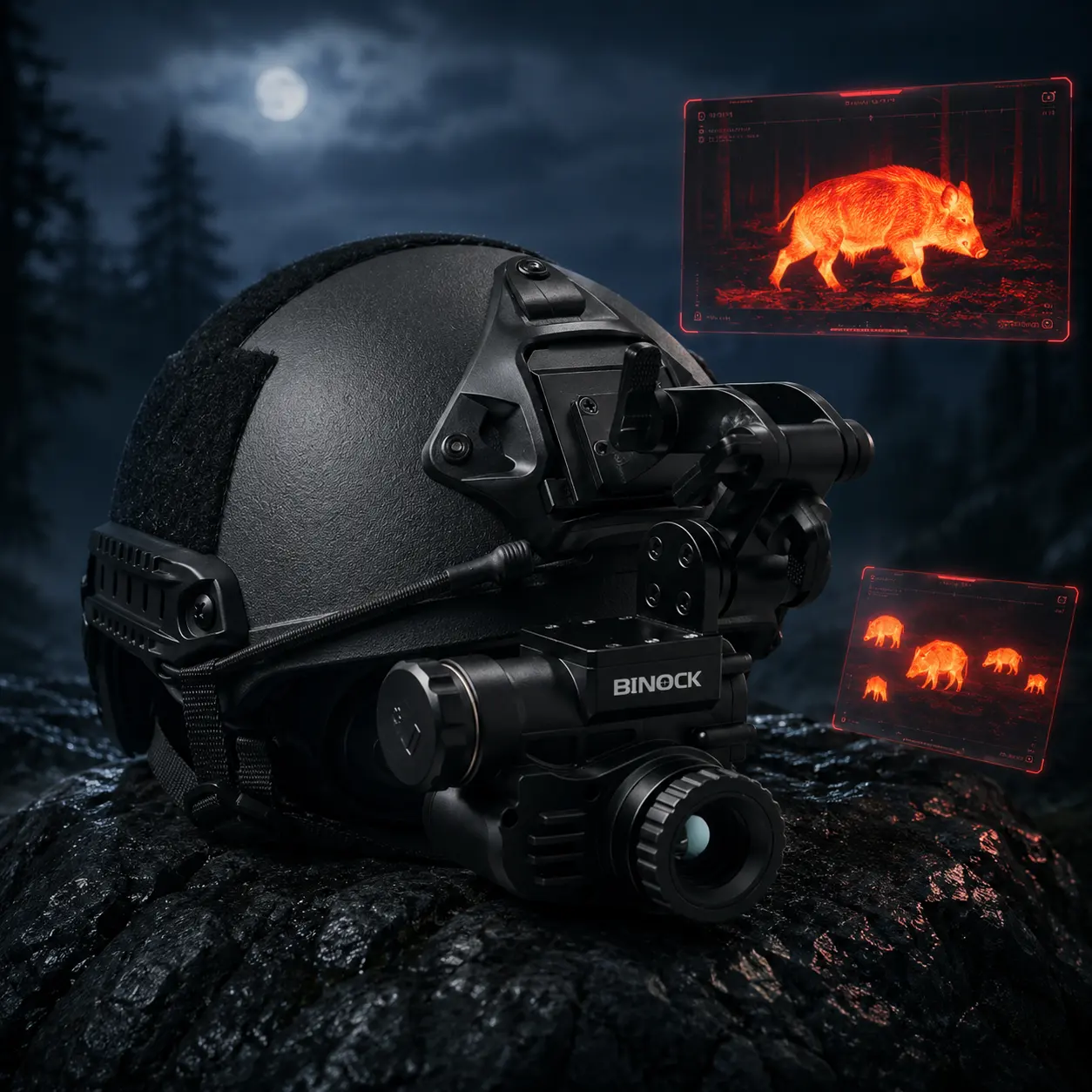
From Binock’s perspective as a manufacturer, the mission is practical. We design night vision systems that help users manage visibility without overexposing the image, and without draining power faster than the job allows. When you understand what IR (infrared) modes are doing, you stop treating the device like a "one-button miracle" and start treating it like a tool you can tune. That is when performance becomes predictable—during patrol routes, night navigation, training exercises, and search tasks where conditions change quickly.
The Core Principle: How IR Illumination Works in Plain Words
Think of IR illumination as an invisible flashlight. It projects infrared light that a digital sensor can detect, even when your eyes cannot. That extra "invisible light" gives the sensor something to work with, so the image can form with less noise and more usable detail.
In practice, IR helps in two common situations:
• Very Low Light: IR adds usable illumination so the sensor can build a clearer, steadier image.
• Mixed Light: IR can fill shadow areas and reduce the "uncertain edges" where your vision becomes guesswork.
But here is the part many beginners miss: more IR is not always better. If IR output is too strong for the distance or the surfaces in front of you, it can cause problems that look like "bad night vision," even if the device is working correctly.
✅ Too much IR at close range can wash out texture on clothing, walls, and objects.
✅ Reflective surfaces can create flare and wipe out fine detail.
✅ Overpowered IR can make depth judgment harder, because everything looks equally bright.
That is why modern Infrared Night Vision Security devices use multiple IR modes. The goal is control—matching output to the environment, not forcing you to run "max power" all night.
Why Multiple IR Modes Matter in Real-World Security Work
A simple on/off IR design forces compromise. It may work in one location, then fail the moment you shift to a different route or distance. Multiple IR modes let you adapt without fighting the image.
A beginner-friendly way to think about IR modes is like choosing the right gear on a bike: you do not sprint uphill in the same gear you use on a flat road. The same logic applies here.
✅ Low IR: Best for close viewing, indoor corridors, door checks, and areas with some ambient light
✅ Mid IR: Ideal for general outdoor movement under moonlight or light urban glow
✅ High IR: Useful in near-total darkness, open terrain, and low-reflective environments
For Infrared Night Vision Security, the right mode improves how quickly you can confirm what matters: shape, movement direction, and whether an object is a person, a barrier, or a harmless shadow. It also reduces the "false confidence" that comes from a bright image that actually hides detail.
When your IR level matches your scene, your viewing becomes calmer. You stop constantly changing angles to escape glare. You stop second-guessing what you saw. And you spend less time re-checking the same area because the first look was unclear.

A Practical Tuning Method: Distance, Surfaces, and Ambient Light
You do not need complicated theory to get better results. Most users improve quickly by following a repeatable checklist.
Distance First, Then IR Level
Start by thinking about your main viewing distance. Are you checking a doorway five meters away, or scanning a path thirty meters ahead? Choose IR level based on that distance, then adjust only if the scene is still too dark.
A simple rule that works in most environments:
• Start with moderate IR for mid-distance recognition
• Increase one step only when the scene remains unclear
• If you are close to walls or objects, reduce IR before increasing anything else
With the Binock NVG70S, the 19.8 mm objective lens is built to support mid-distance identification, which helps users avoid relying on maximum IR just to get basic clarity. In other words, you are not forced into "high mode" to make the image usable.
Watch for Reflective Traps
Reflective surfaces are the most common reason users complain about "glare" or "white bloom." Road signs, glass storefronts, white walls, glossy helmets, and even wet ground can bounce IR back into the sensor.
When you see flare, do this first:
✅ Reduce IR output one level
Then fine-tune with display brightness (not the other way around).
This habit protects scene detail. It also helps you keep edges and textures, which are often the clues you need to identify objects quickly.
Use Display Brightness as Fine Control
• IR output and display brightness should work together, but they do different jobs.
• IR is your main gain (how much invisible light you add to the scene)
• Brightness is your fine tuning (how you view that captured scene comfortably)
If you raise both too aggressively, the image may look "bright," but textures disappear. Clothing becomes flat. Ground features blur together. And small movements become harder to read. For Infrared Night Vision Security, clarity is more important than brightness.
Where the NVG70S Fits: Translating Specs into Outcomes
Specs matter when they improve on-the-ground performance. Binock engineered NVG70S for steady clarity, long-hour comfort, and fast controls as light conditions change.
Here’s the real-world impact:
✅ 1920×1080 Display: A clearer, more natural view that minimizes the tunnel effect—making long patrol sessions easier on the eyes.
✅ Long Working Time (Over 7 Hours): Enables extended operations with less battery management—fewer swaps, fewer pauses, fewer exposed moments.
✅ IP67 Protection: Better reliability in rain, dust, and unpredictable environments. When equipment is exposed to weather, dependability becomes part of your safety plan, not a luxury feature.
✅ 365 g Lightweight Design: Less neck strain for helmet-mounted use. Over long shifts, comfort becomes performance—because fatigue changes how well you observe and respond.
Another point that matters in 2026: lighting is rarely "perfect." Mixed lighting is the normal condition in modern security work. That is why Infrared Night Vision Security products should focus on controllable output, not just raw brightness. The NVG70S is designed to stay usable when street lamps, shadows, and reflective surfaces appear in the same scene.
A Simple IR Modes Playbook and a Clear Next Step
If you want a beginner-safe routine that works across most security routes, use this three-step playbook. It is simple, repeatable, and easy to teach across a team.
• Start Low
Begin with low IR and a comfortable display brightness. This prevents washout and preserves texture. It also gives you a clean baseline to judge the environment.
• Increase IR Only When Needed
Move up one level when the scene is still too dark to interpret. Stop as soon as you regain detail. Do not chase "daylight brightness." Chase readable texture and stable edges.
• Recheck After Movement
Every time you change location—street to alley, indoor to outdoor, open terrain to reflective walls—recheck your IR mode. Many "bad image" complaints happen because the user kept the right setting for the previous location.
If your team is building a more dependable setup for patrol, training, or nighttime search work, Binock can help you match the right configuration to your use case.
CTA: If you want a practical recommendation for your environment (urban glow, open terrain, or indoor security routes), contact Binock to request the NVG70S application guide and a quick setup checklist for IR modes and brightness tuning—so your Infrared Night Vision Security workflow stays clear, consistent, and field-ready.
Share on Social:


