


Helmet With Night Vision Goggles In 2026: How FOV, Zoom, And Modes Shape What You Really See

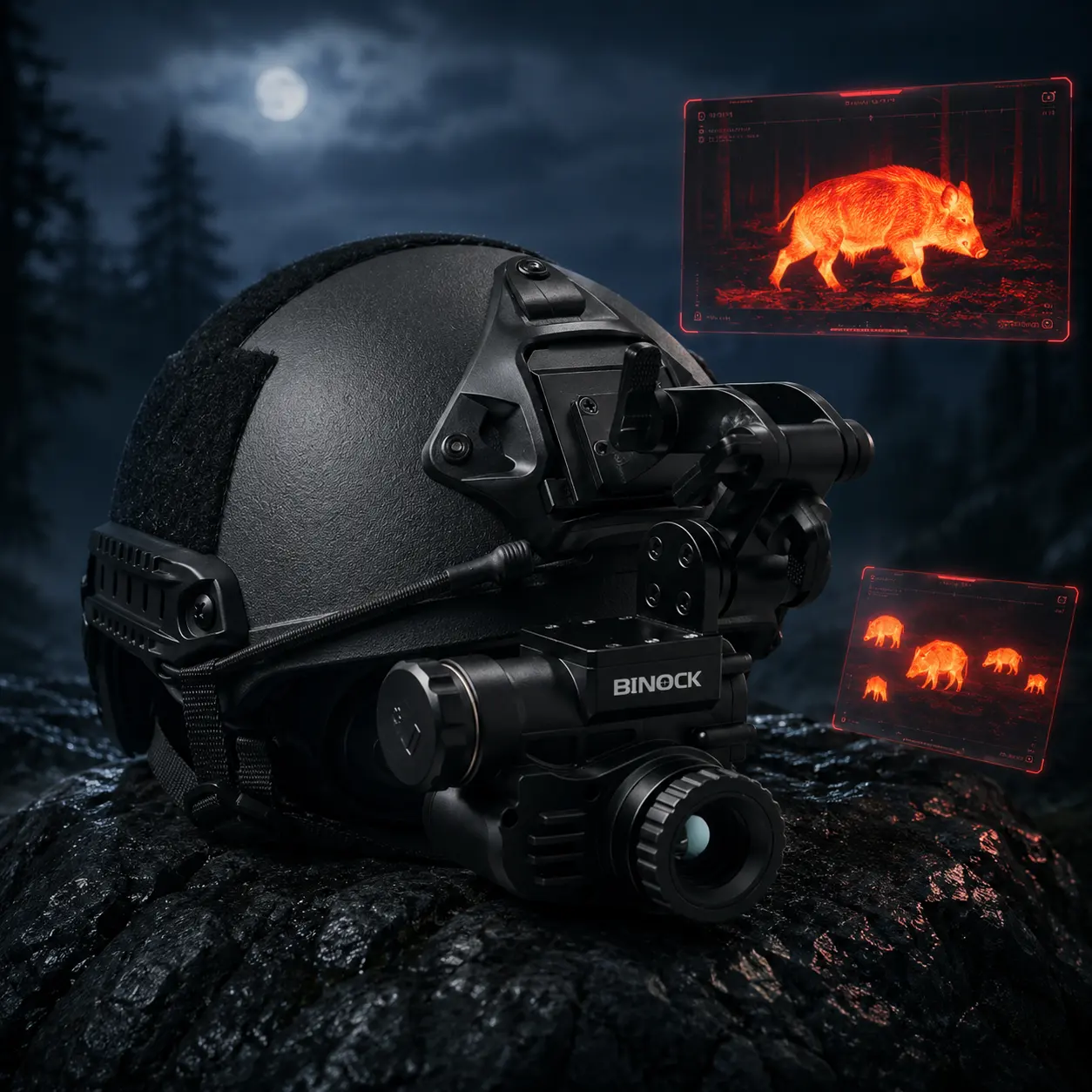

In 2026, more outdoor users, wildlife observers, property teams, and night-shift operators are choosing Helmet With Night Vision Goggles because they feels safer, steadier, and more natural than holding devices for hours. At Binock, we designed the NVG40 PRO around one simple idea: real night performance is not a single “distance” number. It is the balance of field of view (FOV), zoom strategy, and viewing modes—because these three elements decide how quickly you understand the scene in front of you.
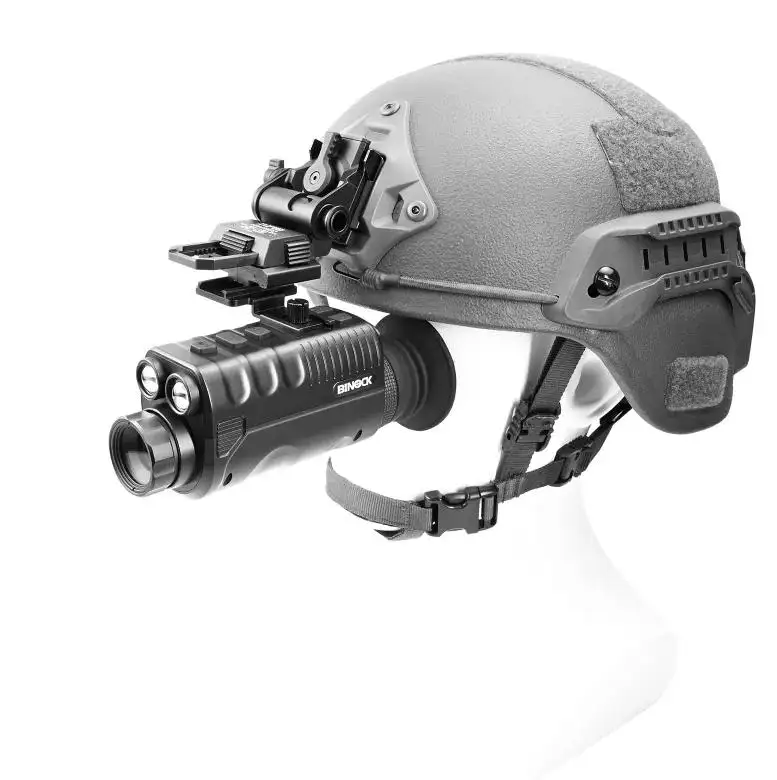
If you are comparing options or building your first helmet setup, this guide will help you think like a practical user, not a spec-sheet collector.
Why FOV, Zoom, and Modes Decide Real Night Performance
Many first-time buyers ask one question: “How far can it see?” That sounds reasonable, but it often leads to the wrong purchase. In real use, Helmet With Night Vision Goggles is about movement and awareness. You need to interpret terrain, edges, and motion quickly—sometimes while walking, sometimes while scanning from a fixed position.
That is why three factors matter more than a single distance claim:
✅ FOV (Field Of View): how much of the scene you can read at once
✅ Zoom: how you confirm details after you spot something
✅ Modes: how you adapt to different lighting and contrast conditions
When these three work together, the experience feels “easy.” You scan faster, miss less, and feel less mental fatigue. When they fight each other—too narrow a view, too much magnification, or an unsuitable image mode—the night becomes noisy and slow. You may still “see,” but you do not understand what you are seeing quickly enough to move with confidence.
Field of View (FOV) Explained With Numbers You Can Feel
FOV is the window your eyes get at night. A wider window helps you stay oriented. It makes it easier to judge whether a dark patch is a dip in the path, a shrub, or a shadow. It also reduces the constant head-turning that many beginners mistake for “normal.”
On the NVG40 PRO, the display shows a 25.8° field of view, built for steady observation and comfortable scanning. For recording, the device can capture a wider scene—up to 45.8°—which can be especially useful when you want more context in the frame during movement.
Here is how to apply FOV thinking in a practical way:
✅ If you walk and scan: prioritize a stable, comfortable FOV so obstacles appear early
✅ If you document routes or incidents: a wider recorded angle helps preserve the “around it” context
✅ If your environment is cluttered: wider context often beats “bigger detail” because you are tracking multiple shapes
A common mistake is buying based on maximum magnification and ignoring the viewing window. Excessive zoom narrows your awareness and creates a tunnel effect. You may get a sharper look at one object, but you lose the side movement that helps you stay safe and informed.
For Helmet With Night Vision Goggles, FOV is not a luxury. It is a safety feature.
Zoom 101—When 1–6X Helps, and When It Hurts
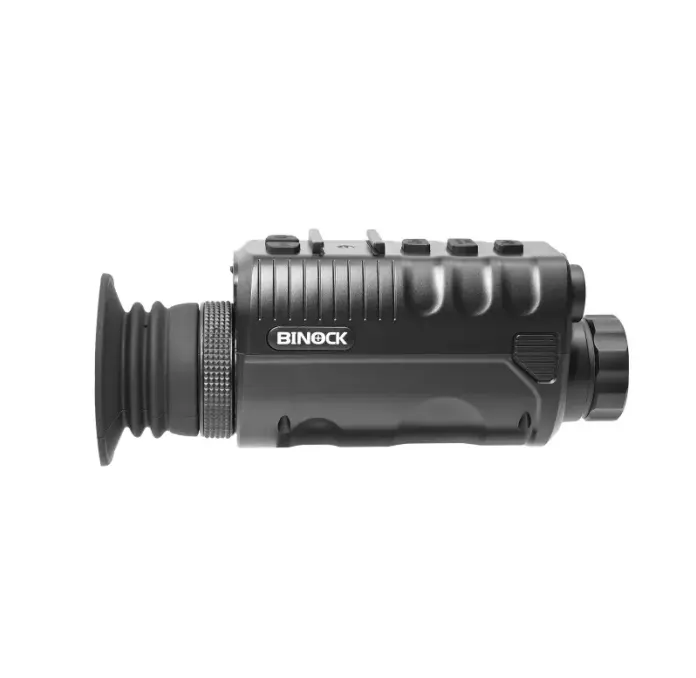
Zoom is powerful when you use it like a tool, not like a default setting. NVG40 PRO uses 1x optical magnification with up to 6x digital magnification. That combination supports a simple workflow that works in the real world:
Scan first. Zoom second.
Think of zoom as your confirmation step. You notice movement near a tree line. You keep your base view steady. Then you zoom in briefly to check shape, direction, or distance cues. After that, you return to the wider view before you move again.
A beginner-friendly habit stack looks like this:
✅ Scan At Low Magnification: smoother movement and less eye strain
✅ Zoom Only To Verify: check identity, edges, or distance markers
✅ Return To Wide View: regain scene awareness before walking
Why does zoom “hurt” sometimes? Because higher magnification increases shake and reduces your ability to interpret the scene as a whole. It also makes it harder to track motion across the frame, especially when you are observing animals, shifting shadows, or distant movement.
With a Helmet With Night Vision Goggles setup, stability improves compared to handheld viewing. But even with better stability, the principle stays the same: use zoom in short, purposeful bursts. Let the wide view do the heavy lifting.
Viewing Modes—How Multiple Options Match Real Outdoor Light
Night is not one lighting condition. You might start in a dim parking area, move through a darker trail, and end under mixed lighting near buildings or reflective surfaces. The best device is not the one with the most dramatic image in one scenario—it is the one that adapts smoothly across scenarios.
NVG40 PRO offers multiple viewing styles, including full color for daytime use and enhanced options designed for night contrast. Instead of treating modes as “extra features,” treat them as a fast way to correct the scene when your eyes feel uncertain.
Here is a practical way to think about modes:
✅ High-Contrast Viewing: helps outlines stand out when the scene feels flat
✅ Comfort-Oriented Viewing: can reduce eye fatigue during long observation
✅ Day/Night Switching: makes one device practical for scouting, setup, and after-dark use
For Helmet With Night Vision Goggles users, modes also support quicker decisions. If the scene looks noisy, switching modes can reveal edges, footpath changes, or motion more clearly. That matters when you are not trying to “admire the image,” but trying to understand what is happening.
Recording Matters—Why 4K Video and 42MP Photos Are Not Just Marketing
Today, many users want more than live viewing. They want proof, training clips, content, or records that can be reviewed later. NVG40 PRO records 4K 30 fps footage and up to 42 MP stills. These specs matter when applied to the right scenarios.
4K video improves playback smoothness and review context, exposing small details—movement behavior, trail turns, and edge-of-frame events.
High-resolution photos are useful when cropping is necessary and clarity must remain usable.
Where recording proves valuable:
✅ Wildlife observation: document the moment without moving closer or spooking animals
✅ Route reviews: validate terrain changes and improve planning cycles
✅ Reporting and documentation: maintain a clear “what and when” record
One overlooked point: stability drives recording quality. A Helmet With Night Vision Goggles setup can reduce hand shake, which makes footage easier to watch and more useful. Even strong resolution feels weak if the video is jittery or constantly reframing.
How Binock Designs NVG40 PRO for Helmet Use and Daily Reliability
At Binock, we treat Helmet With Night Vision Goggles as a complete experience: mounting, scanning, switching distances, recording, charging, and repeating the process day after day. Specs matter, but daily reliability matters more.
NVG40 PRO is tuned for day-to-day operations:
✅ Type-C connectivity: universal charging and clean data transfer
✅ Objective lens focusing: immediate control as distance changes
✅ Accessories that help setup: soft bag, charger support, cleaning cloth
Details may be small, but they sustain consistency. Easy charging keeps it available. Quick cleaning preserves clarity. A setup that packs well is more likely to be used often, not left behind.
In 2026, the best night gear is the gear you actually deploy. We designed NVG40 PRO to feel straightforward: scan comfortably, verify with zoom, adapt with modes, and record when the moment matters.
Call to Action
If you are choosing your first Helmet With Night Vision Goggles setup—or upgrading for outdoor exploration, wildlife observation, or night operations—Binock can help you match FOV, zoom, and viewing modes to your real environment. Contact our team to request NVG40 PRO details, usage recommendations, and helmet-mount guidance based on how and where you plan to use it.


